


Capturing a spoken note or patient conversation shouldn’t require a second device, a separate app, or a manual upload. Every extra step creates room for recordings to get lost, attached to the wrong chart, or forgotten before they can help with care.
That’s why we’re excited to announce In-Chart Audio Recordings, a new way to capture audio directly from the patient chart in Atlas.md. Instead of recording somewhere else and moving the file later, you can keep the entire process connected to the record where it belongs.
Record Audio Directly to Your Patient’s Chart
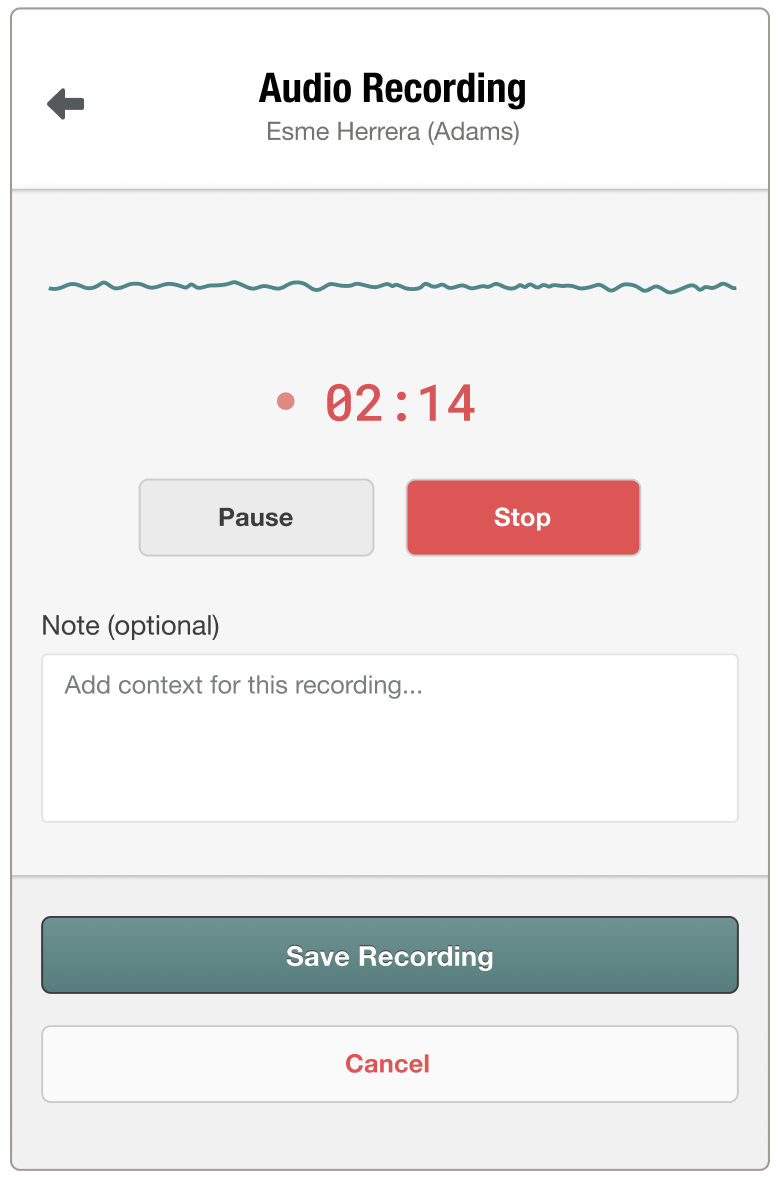
When recordings start inside the chart, they stay connected to the patient they belong to, reducing the small handoffs where mistakes usually happen.
- Save time by removing the extra recording-and-upload routine.
- Prevent misplaced files by attaching audio to the right patient chart from the start.
- Reduce documentation friction by turning spoken context into text automatically.
- Strengthen chart notes with recordings that are automatically transcribed and processed into AI summaries or SOAP notes.
The result is a cleaner workflow that helps you stay present during care and move from conversation to chart note with less administrative drag.
For more information on how this feature works, check out our support article. And if you have any questions, please don’t hesitate to drop us a line at support@atlas.md.