


Bright screens don’t suit everyone’s workflow. Maybe you like to finish notes after sunset, frequently pull up a chart in a dim room, or simply prefer a darker interface.
That’s why we’re introducing dark mode. With one setting, you can switch Atlas.md to a darker color scheme and give yourself a different view of the workspace you use every day.
The Same Atlas.md, Now in Dark Mode
Dark mode carries across the EMR, including your dashboard, patient charts, calendar, and modals.
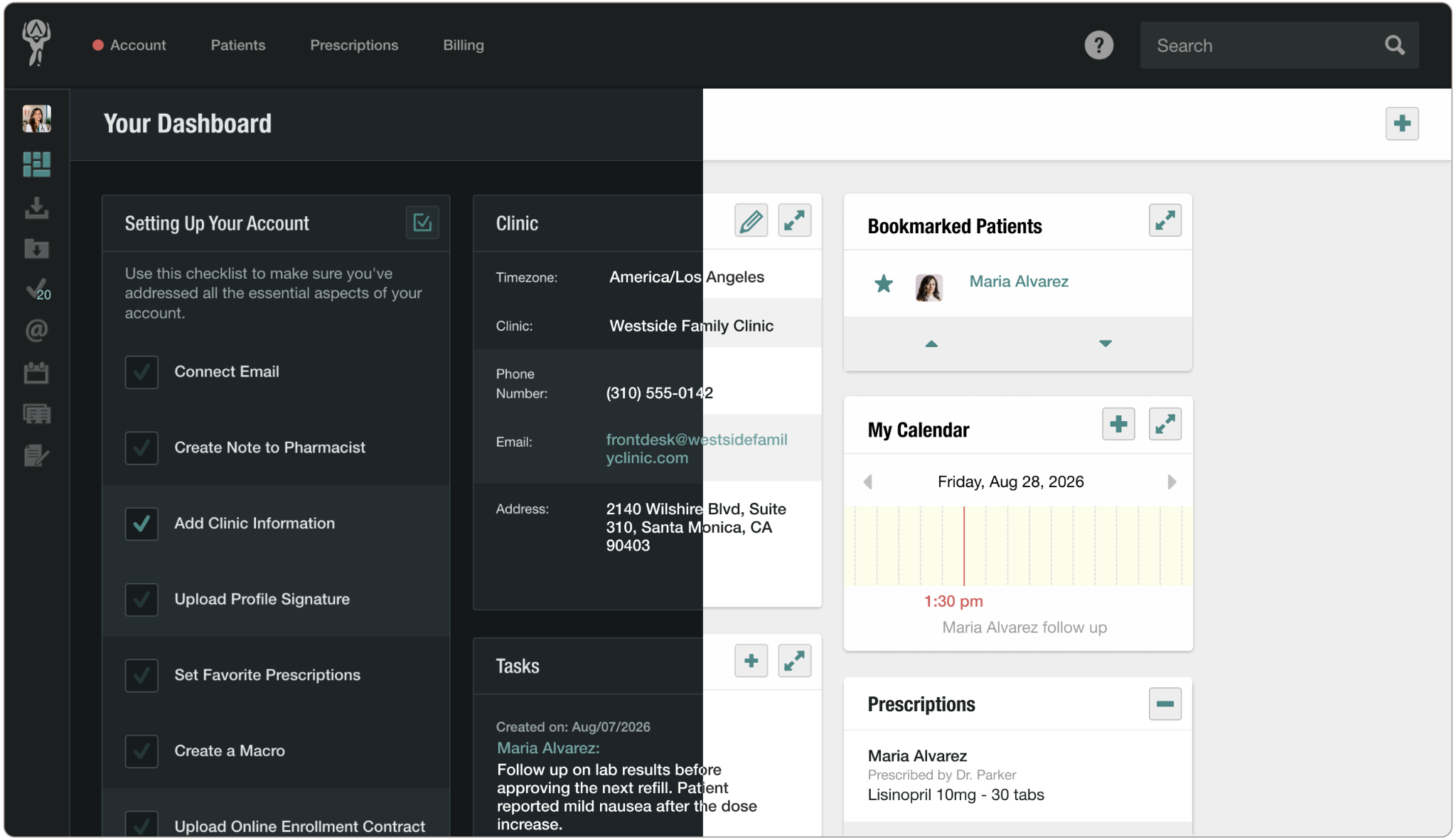
Dark mode lets you:
- Choose the appearance that feels most comfortable for the way you work.
- Move between your dashboard, patient charts, calendar, and other areas without switching between light and dark screens.
- Change your own view without affecting anyone else at your clinic.
Dark mode is a per-user preference, so each team member can decide whether to use it. You’ll find the option to turn it on in the user sidebar, and you can switch it off again at any time.
For more information on enabling dark mode, check out our support article. And as always, if you have any questions, please don’t hesitate to drop us a line at support@atlas.md.